This summer I expanded my Proxmox setup, built a multi-node Kubernetes cluster out of mini PCs, added real monitoring and alerting, and cleaned up my remote access workflow. Here’s what changed.
Proxmox server upgrades #
Service monitoring with Uptime Kuma #
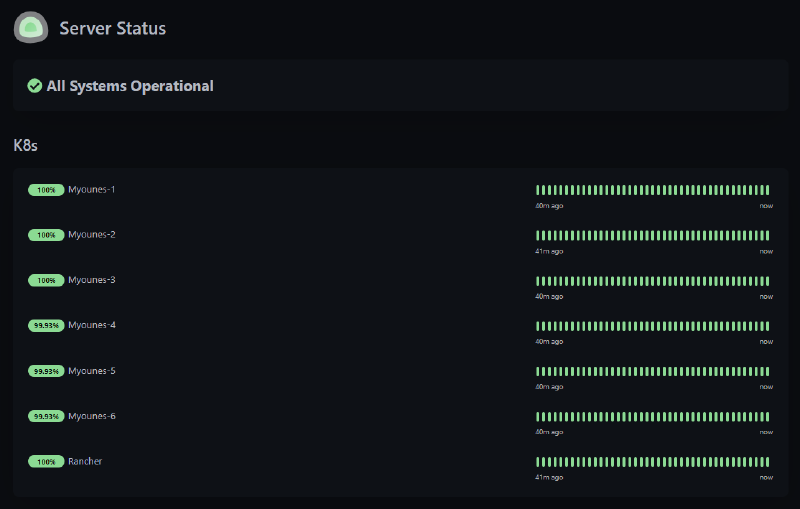
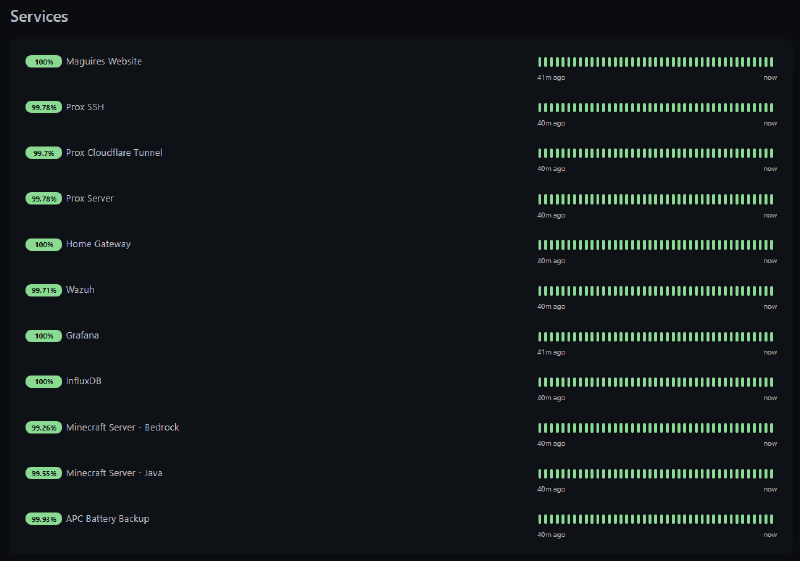
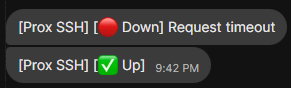
Uptime Kuma now watches all my services and pings a custom Signal API bot the moment something goes offline, straight to my phone.
File upload server with Pingvin Share #
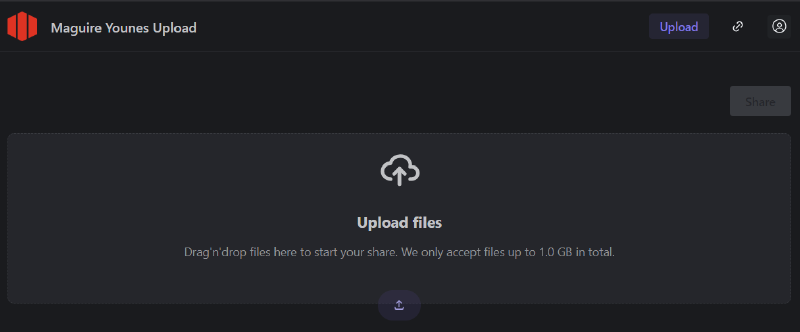
For quick file transfers across my network and remotely, I stood up Pingvin Share. Drag-and-drop uploads, wget downloads, no dependence on someone else’s cloud. Uploads are password protected so only people I’ve given access to can push files.
Minecraft servers: Java and Bedrock #
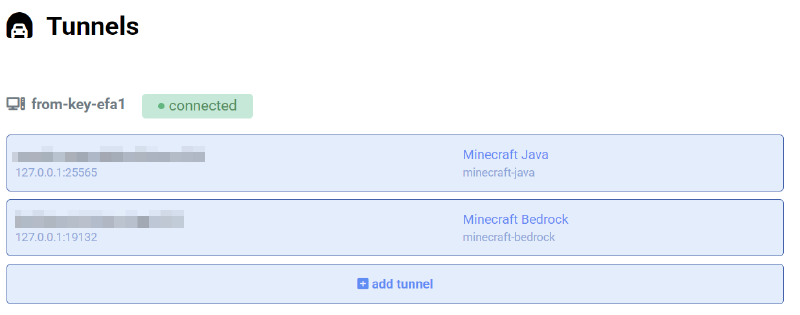
Gaming is a real use case for this hardware. I run both Java and Bedrock Minecraft servers with plugins for gameplay and admin, tunneled through playit.gg so I skip the port forwarding headache entirely. This has turned out to be one of the more fun parts of the whole setup.
Security monitoring with Wazuh SIEM and Signal alerts #
Wazuh SIEM now runs across the network with agents on every key machine, and alerts feed into the same Signal bot for real-time incident awareness. Next step here is deploying Wazuh agents across the Kubernetes cluster with Ansible.


Visualizing server performance with Grafana and InfluxDB #
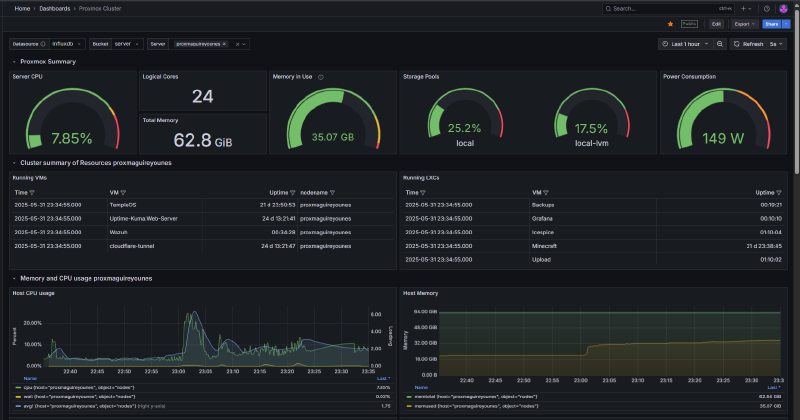
Grafana dashboards backed by InfluxDB track CPU, memory, disk, and network across all my servers and VMs in real time. I also wrote a custom scraper that pulls power data from my ILO and feeds it into Grafana too.
Gaming PC remote access with Parsec #
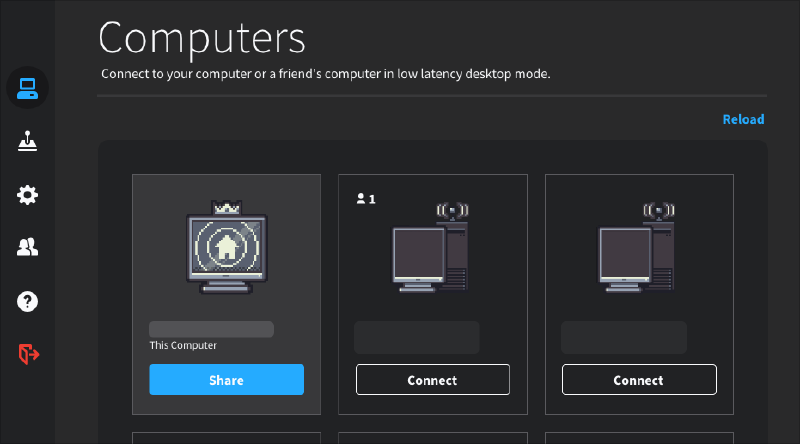
Instead of hauling my gaming PC between home and Penn State, I use Parsec for low-latency remote desktop streaming. It’s worked well enough that I’d recommend it even for non-gaming use, like video editing.
Kubernetes cluster with mini PCs #
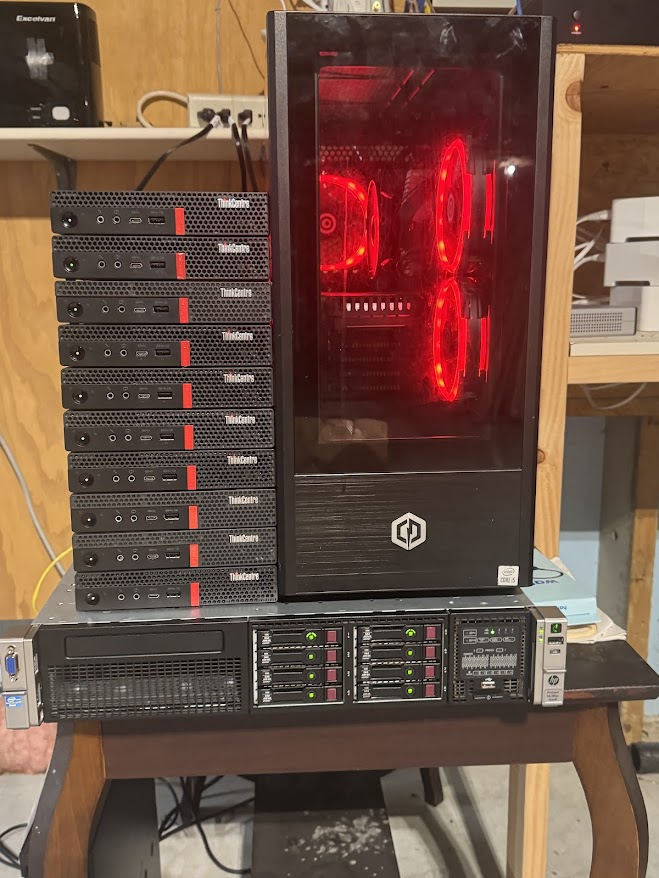
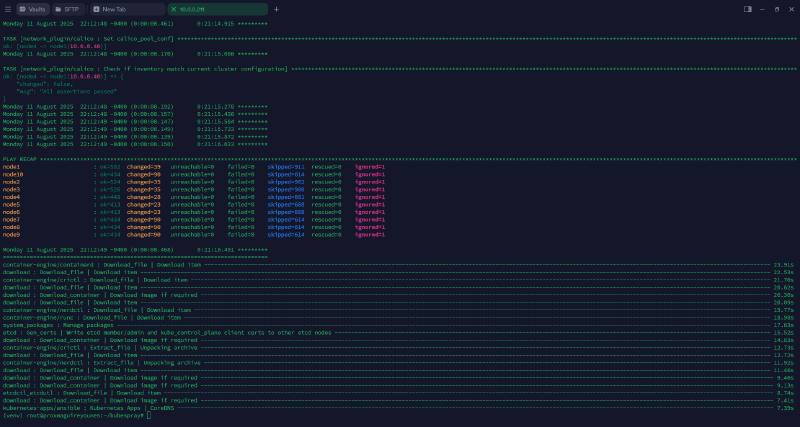
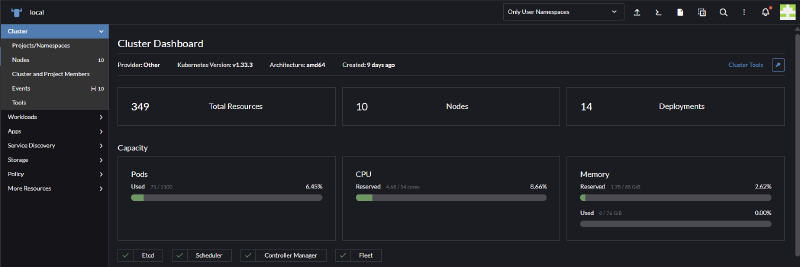
I picked up 10 mini PCs and built a cluster:
- 3 master nodes
- 7 worker nodes
Kubespray and Ansible handled the Kubernetes deployment, and I wrote custom playbooks to install Helm and Rancher for management. The cluster runs 68 GiB of RAM and 54 cores total, and it’s become my playground for learning cloud-native orchestration. Ceph distributed storage is next on the list.
Reliable power backup with APC UPS #
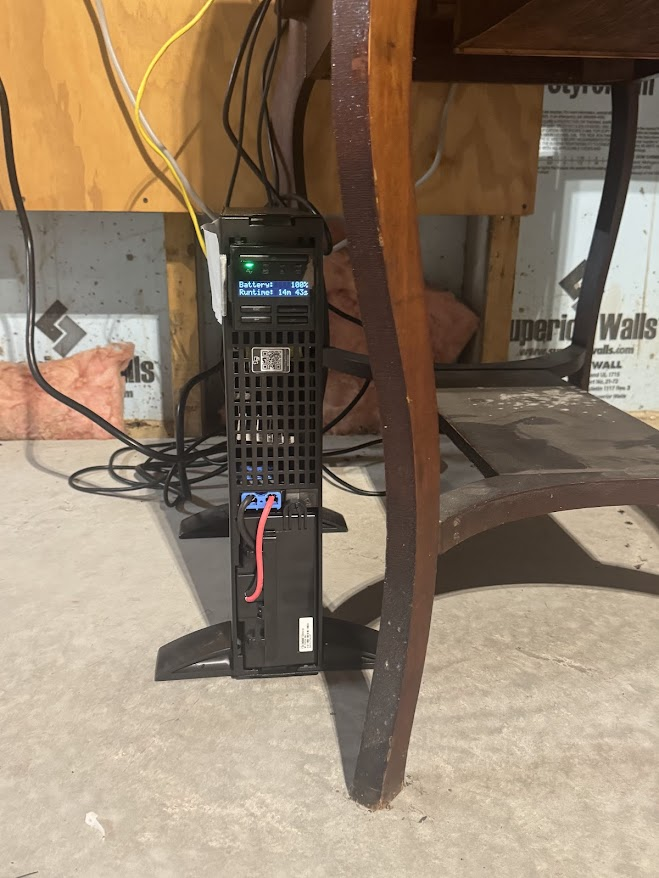
Pennsylvania gets frequent power blips, so the whole compute setup now sits behind an APC UPS with over 5 minutes of runtime. It also lets me remotely power cycle machines in proper groups, which has already been useful. Next up: SNMP traps to alert me on outages and when the battery drops below 10%.
This summer’s projects took a lot of late nights, but I came out with a much more capable lab: a stronger Proxmox environment, a real Kubernetes cluster, and monitoring and security automation that actually tells me when something’s wrong instead of finding out the hard way. More to come as I keep expanding it.
Want configs, playbooks, or a walkthrough of any part of this? Reach out.
© 2025 Maguire Younes